

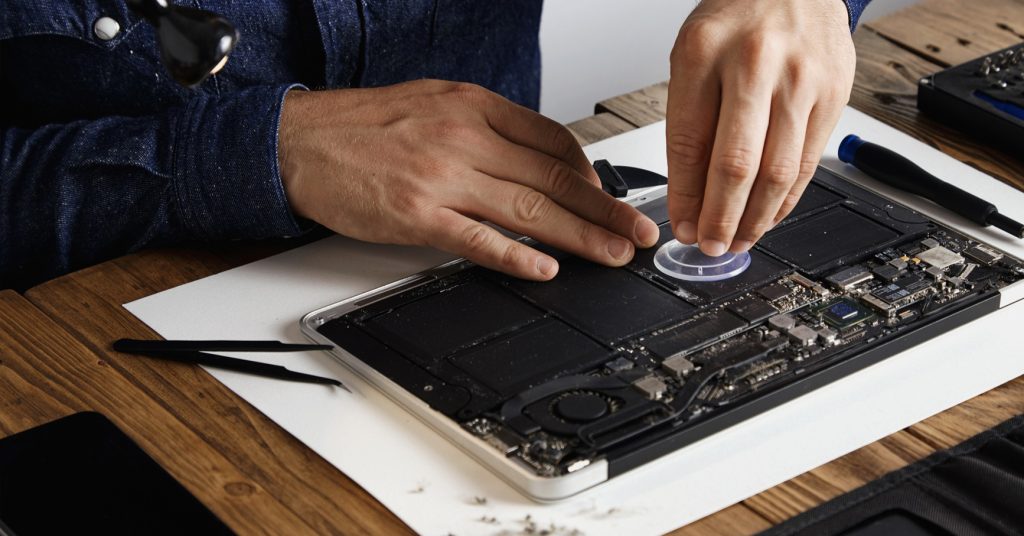
MacBook Not Charging or Screen Cracked? Why an Independent Repair Shop Beats Apple’s Prices
MacBooks are brilliant machines — until something goes wrong. And when they do, the first instinct for most people is to head to the Apple Store. But before you take that trip to the Genius Bar, it’s worth knowing what independent repair actually looks like — and what it costs.
At Phone Heroes in Earl’s Court, we repair MacBooks every week. Screens, batteries, keyboards, charging boards, liquid damage — we’ve seen it all. Here’s an honest guide to your options.
The Most Common MacBook Problems We Fix
MacBook won’t charge or turn on
This is one of the most common issues we see, and it’s frequently misdiagnosed as a dead machine. In many cases, the culprit is a faulty MagSafe/USB-C charging board, a blown fuse on the logic board, or a degraded battery that can no longer hold enough charge to trigger the startup process.
We diagnose the exact cause before quoting — we don’t just replace parts at random.
Cracked or flickering MacBook screen
MacBook screens are thin and, despite the aluminium unibody, the display is vulnerable to pressure damage from impacts or being closed on an object. Flickering, half-dark screens, or vertical lines usually indicate a damaged display panel or a faulty display cable.
We carry replacement screens for MacBook Air (M1, M2, Intel) and MacBook Pro models. Screen replacements are typically completed in 1–2 hours.
Keyboard not working — keys sticking or not registering
If you have a MacBook from 2016 to 2019, you may be very familiar with Apple’s butterfly keyboard mechanism — infamous for failing due to dust particles getting under keys. Later MacBook models with the revised scissor-switch keyboard are more reliable, but keys still fail over time.
Depending on the model, we can replace individual keys, the entire top case, or the keyboard module. We’ll advise which option makes most economic sense for your specific machine.
Liquid damage to MacBook
A spilled coffee or glass of water on a MacBook is a genuine emergency. Just like with phones, powering off immediately gives you the best chance of recovery. Bring it to us as fast as possible — we use ultrasonic cleaning on MacBook logic boards with a strong track record of recovery, even in cases that looked initially dire.
Apple Store Repair Prices vs Phone Heroes — an Honest Comparison
Apple’s out-of-warranty repair costs are publicly listed, and they’re significant. Here’s the reality:
- Apple charges flat-rate fees based on the model, not the specific fault — so you often pay the same whether it’s a £30 part or a £300 part.
- Apple’s out-of-warranty screen replacements for MacBook Pro can run into several hundred pounds.
- Battery replacements through Apple are more reasonably priced — but still come with lead times and require leaving your machine.
At Phone Heroes, we quote based on the actual fault and components required — not a flat model-based rate. This typically means significantly lower costs for most repairs. We’re transparent about pricing: you get a written quote before we start any work.
Will a Non-Apple Repair Void My Warranty?
This is the question we get most often, and the answer depends on your situation:
- If your MacBook is still under Apple’s standard one-year warranty or AppleCare+, having it repaired by a third party may affect your ability to claim under those warranties for the same issue. In this case, it’s worth checking Apple’s costs first.
- If your Mac is out of warranty (most MacBooks over 12 months old that haven’t been enrolled in AppleCare+), this is not a concern at all. Apple’s warranty is already expired.
- Under UK consumer rights law, your statutory rights against the retailer run for up to six years for inherent faults — this is separate from the manufacturer warranty and is not affected by independent repair.
For most MacBooks that come to us — typically 2 to 5 years old — warranty voiding is simply not relevant.
How Long Does a MacBook Repair Take?
It depends on the fault:
- Charging diagnosis and minor board repair: same day in most cases
- Screen replacement: 1–3 hours depending on the model
- Battery replacement: 1–2 hours
- Keyboard replacement: 2–4 hours (top case replacements require more time)
- Liquid damage treatment: typically 24–48 hours for full ultrasonic clean and reassembly
We’ll always give you a realistic timeline upfront. For urgent repairs, let us know when you come in and we’ll do our best to prioritise.
Why Londoners Near Earl’s Court Choose Phone Heroes for MacBook Repair
We’re not a generalist electronics shop — phone and device repair is all we do. Our technicians work on MacBooks regularly, not occasionally. We use quality parts, back our work with a warranty, and we’re honest when a repair isn’t cost-effective.
Our location inside Earl’s Court Station makes us one of the most accessible repair shops in West London. Whether you’re commuting through Earl’s Court or live locally, you’re never far from a professional MacBook repair.
Free MacBook diagnosis available — walk in and one of our technicians will assess your machine and give you a clear recommendation with no obligation.
Get your MacBook diagnosed for free. Walk in to Phone Heroes, Earl’s Court Station, Warwick Rd, London SW5 9SY | +44 20 3397 7407 | phoneheroeslondon.co.uk

