

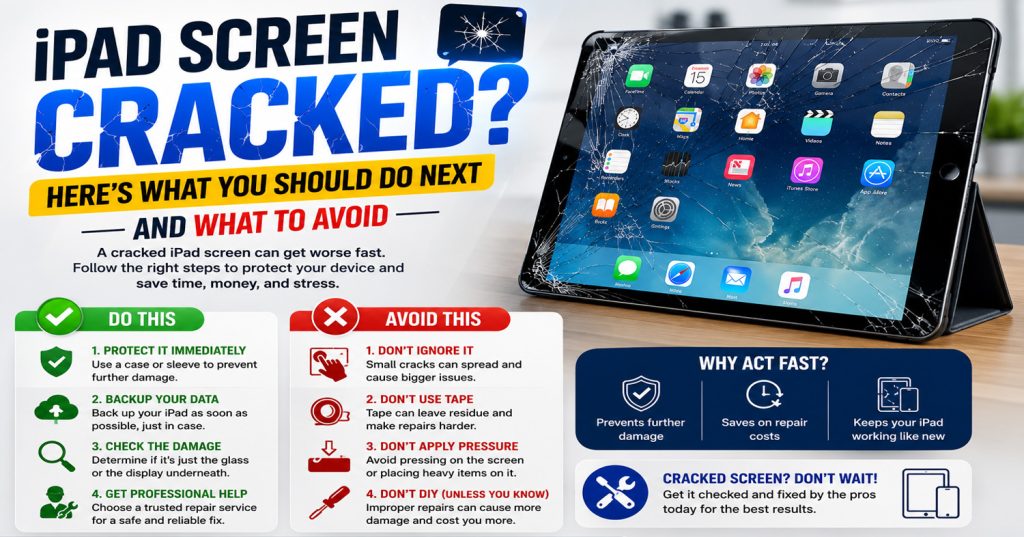
A cracked iPad screen is one of those moments that ruins your day — a single drop and suddenly you’ve got a spider-web of cracks across the glass. Before you panic or reach for a DIY fix, here’s what’s actually worth doing, and what to steer clear of.
Do stop using it straight away. Continuing to tap and swipe on cracked glass can push small shards further into the digitizer or LCD beneath, turning a glass-only repair into a much more expensive full screen replacement.
Do check if the touchscreen still works. If the display lights up and responds to touch, the damage is likely limited to the glass. If areas have gone unresponsive, dark, or are showing odd colours or lines, the LCD itself may also be affected.
Do cover it for transport. A strip of clear tape over the worst of the cracks will stop glass fragments from coming loose in your bag and reduce the risk of cutting yourself while carrying it to be repaired.
Avoid pressing on the cracks to “test” them, and avoid using a case or screen protector to disguise the damage and keep using it — pressure and moisture can both work their way into a damaged screen and cause further internal damage over time.
Avoid cheap online repair kits. Many require you to fully remove the original adhesive seal and battery connector, and a botched DIY attempt is one of the most common reasons we see iPads arrive in a far worse state than when the screen first cracked.
Avoid waiting too long. Dust and moisture can creep in through even a small crack, eventually affecting the battery or logic board underneath — so the longer it’s left, the higher the risk of additional damage.
At Phone Heroes, we replace cracked iPad screens across every model — from the original iPad Mini through to the latest iPad Pro — usually within the same day. Every repair is backed by a one-year warranty and uses quality parts. Visit us at the Warwick Road entrance of Earl’s Court Underground Station, or call 020 3397 7407 to book.